Telenor · Pocket WiFi
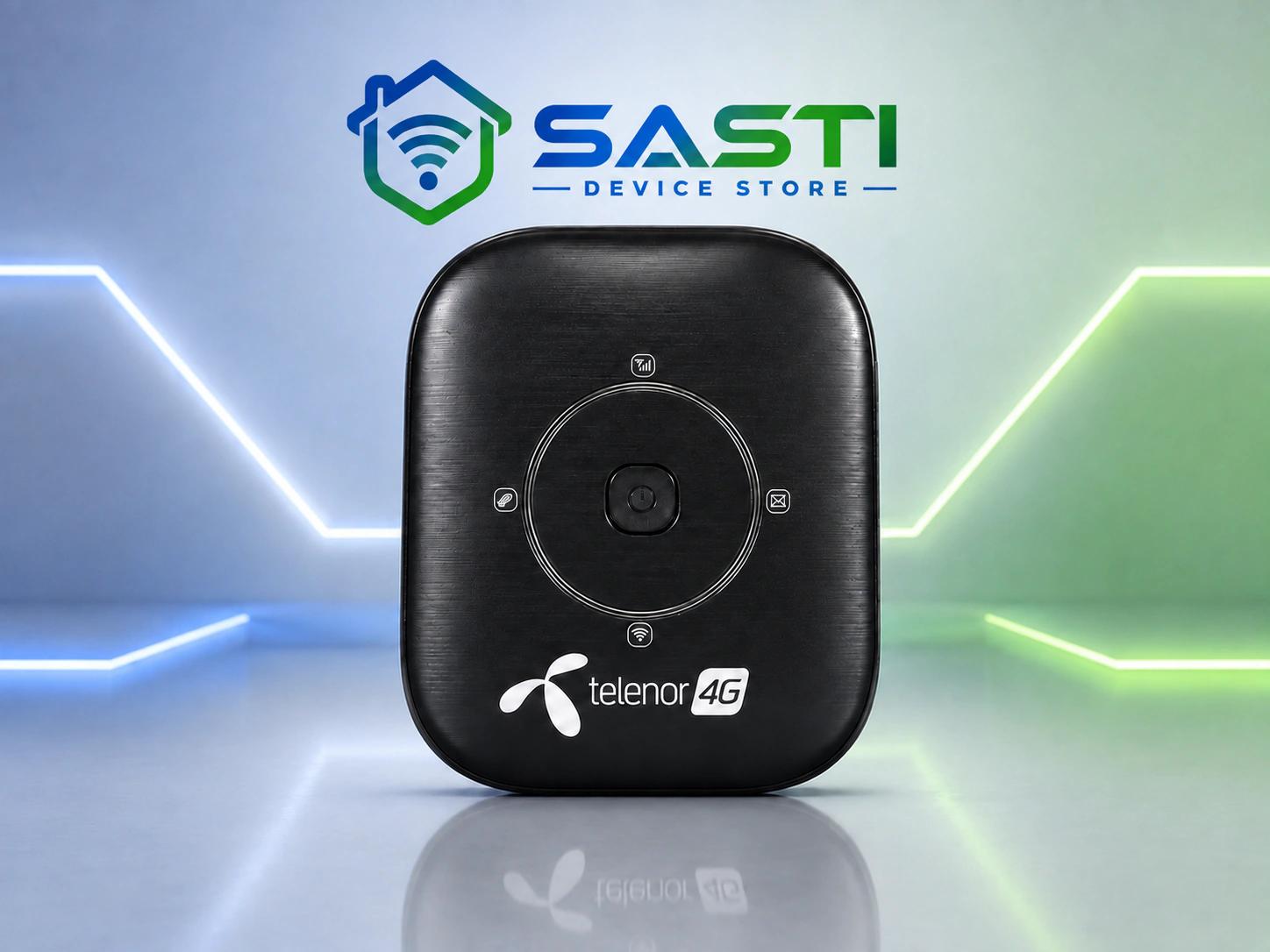
Telenor 4G MiFi Cloud — MF13
Telenor MF13 4G MiFi Cloud is a pocket-sized rechargeable hotspot with simple status lights and dedicated WiFi sharing for everyday devices.
PKR 7,800 · In stock
Delivery: Lahore same-day Cash on Delivery has a fixed PKR 500 charge. Nationwide TCS delivery costs up to PKR 500 and is expected about two days after dispatch. Customer support is available Monday-Saturday, 09:00-22:00. For current stock and SIM/network compatibility, contact SASTI Device Store.
Product highlights
- Small rechargeable design for portable use
- Simple physical control and status-light interface
- Rear compartment provides SIM and battery access
- Suitable for personal or backup internet sharing
Product overview
The MF13 is built for straightforward mobile internet sharing. It turns a compatible SIM connection into WiFi for your laptop, phone and other everyday devices while keeping hotspot use separate from your phone.
Reliable official specifications for this exact regional batch are limited. The available device label, SIM support, battery and accessories are therefore confirmed before order instead of using marketplace estimates.
Best for
- Telenor data users
- Travel and field work
- Light everyday sharing
Specifications
- Model
- MF13 carrier variant
- Device type
- Rechargeable 4G pocket WiFi
- Display
- Status-light interface
- WiFi sharing
- Multiple devices; confirm unit limit before order
- Charging
- USB charging
- Network profile
- Telenor-branded 4G unit
- Compatibility
- Confirm SIM/network status for the supplied unit
Package contents
- MF13 device
- Rechargeable battery
- USB charging cable where included
- Packaging/accessories vary by unit
First-use and connection checklist
Use the details supplied with the exact unit rather than assuming that every batch or network setup is identical.
- Confirm that the supplied unit supports your intended SIM/network and that the SIM has an active data package.
- Charge the device or connect its required power source, as appropriate for that model.
- Use the WiFi name (SSID), WiFi password and admin details printed on the supplied unit or provided in its manual.
- Test signal and connection quality at the address where you plan to use it.
- Do not rely on guessed passwords, admin credentials, network bands or speed promises.
- If lock status, supported bands or compatibility is uncertain, contact SASTI Device Store before setup or ordering.
Compare network options with our internet SIM selection guide for Pakistan. For travel planning, use our northern Pakistan connectivity checklist.
Customer feedback
Telenor MF13 order kiya tha aur Kashmir mai delivery receive hui. Device ki condition bohat achi thi aur internet performance bhi meri expectations se better nikli. Travel ke liye bohat useful device hai.
Remote area mai internet ke liye Telenor MF13 purchase kiya. Device ka signal reception acha raha aur daily browsing ke liye stable connection mila.
Delivery process smooth tha aur device safely receive hua. Telenor MF13 ka setup easy hai aur use karna simple hai.